
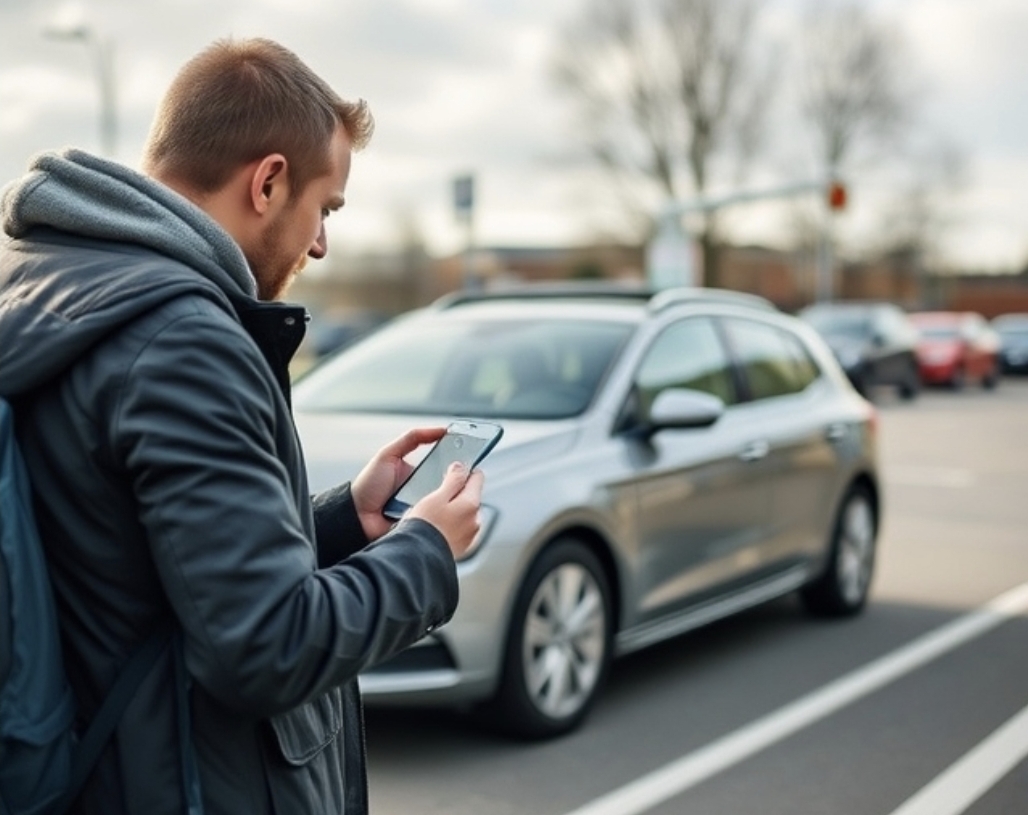
Renting a car used to mean standing in a counter line, handing over a driver’s license, and waiting for someone to walk you to your vehicle. That process still exists, but it’s no longer the only option, or even the most popular one for a growing number of renters. Contactless car hire lets you book, unlock, and drive away without ever interacting with a person, and once you understand how the pieces fit together, it’s a far simpler process than most first-time users expect.
What Contactless Car Hire Actually Means
At its core, contactless rental removes the human handoff entirely. Instead of meeting an agent or host to exchange keys, the entire pickup happens through your phone and the vehicle’s own technology. Booking, identity verification, payment, and access all happen digitally, and the physical key exchange is replaced with something else entirely: a keyless car hire system built into the vehicle.
This isn’t a niche feature anymore. It’s become standard across peer-to-peer rental platforms and is increasingly common with traditional agencies too, particularly for renters who want to skip counter lines altogether.
How the Process Actually Works, Step by Step
Here’s what a typical contactless rental looks like from booking to return.
Booking and Verification
You select your vehicle and dates through an app or website, then upload your driver’s license and, in most cases, a selfie for identity verification. This step replaces the in-person ID check a counter agent would normally do.
Locating and Unlocking the Vehicle
Once your booking is confirmed, the app tells you exactly where the car is parked. At the scheduled pickup time, you unlock the vehicle directly through the app. This is where the technology does the real work: most platforms use either a Bluetooth connection to a device installed in the car or a digital code entered through an in-car system.
Starting Your Trip
With keyless car hire, you don’t receive a physical key at all in many cases. The vehicle starts using the same app or a proximity-based system, similar to how some newer personal vehicles already work. A quick photo walkaround, prompted by the app, documents the car’s condition before you drive off.
Returning the Vehicle
Return works the same way in reverse. Park in the designated location, use the app to lock the vehicle and end your trip, and the system logs your return time and final vehicle condition automatically.
What You Need Before You Book
A few things make the process smoother if you have them ready in advance:
- A smartphone with reliable data access, since nearly every step happens through an app
- A valid driver’s license that can be photographed clearly for verification
- A payment method already linked to your account to avoid delays at pickup
- Basic comfort with app-based navigation, since there’s no counter agent to walk you through it in person
The Real Advantages Worth Knowing
Beyond simply skipping a line, contactless rental offers a few practical benefits that matter for specific types of trips.
Flexible pickup times are the biggest one. Since there’s no staffed counter, pickup isn’t limited to business hours, which is especially useful for early flights or late-night arrivals. Faster overall turnaround matters too, since the entire check-in process that once took fifteen to twenty minutes at a counter typically takes under five through an app.
There’s also more location flexibility. Many contactless and peer-to-peer platforms offer vehicles parked closer to where renters actually need them, rather than centralizing everything at an airport counter.
What to Watch Out For
Contactless rental isn’t without its own considerations. Connectivity issues can occasionally cause delays if the app struggles to communicate with the vehicle’s system, so it’s worth having the rental platform’s support contact saved before you arrive. It’s also worth confirming what happens if you have a mechanical issue mid-trip, since there’s no on-site staff to flag down the way there would be at a traditional counter.
Before booking, it’s reasonable to ask a platform directly how their keyless car hire system handles roadside issues, since response processes vary meaningfully between providers.
Is Contactless Car Hire Right for Every Trip
For most standard trips, business travel, weekend getaways, and airport pickups outside staffed hours, contactless rental is a genuine upgrade over the traditional counter experience. It tends to be less ideal only in situations where you specifically want an in-person walkthrough of an unfamiliar vehicle feature, or if you’re not comfortable relying entirely on an app for the full transaction.
For everyone else, the appeal is straightforward: less waiting, more flexibility, and a pickup process that fits your schedule instead of a counter’s operating hours.
Getting Started With Your First Contactless Rental
If you’re trying this for the first time, treat your first booking as a low-stakes trial run. Choose a familiar pickup location, confirm your app is working and your documents are uploaded a day or two in advance, and give yourself a few extra minutes at pickup in case you need to troubleshoot the unlock process. After the first trip, the entire workflow becomes second nature, and most renters find they genuinely prefer it to standing in line.
Contactless car hire continues to expand because it solves a real problem: the friction of traditional rental pickup. Once you’ve experienced a smooth, app-based rental with keyless car hire technology doing the heavy lifting, going back to a counter line can feel like an unnecessary extra step.
Frequently Asked Questions
Do I need a physical key at any point during a contactless rental?
Usually not, most keyless systems let you unlock, start, and return the car entirely through an app.
What happens if my phone loses signal during pickup?
Most platforms offer offline access options or phone support, so it’s worth checking this detail before you book.